Find what's missing before you reply
SAR Portal's AI review reads the documents on a case and lists the records they mention that you haven't supplied. Your team makes every decision.
Start Free Trial Read the GuideThe question nobody wants to get wrong
You have gathered the documents and redacted them. Before you reply, someone has to ask: is anything missing?
Usually the answer is in the documents themselves. A grievance outcome mentions an investigation report. An email refers to notes from a meeting. A letter points to an occupational health referral. If those records are not in your response, the requester may well notice, because they were often there.
SAR Portal’s AI review reads the case and shows you what your documents point to.
What you get with one click
Open a case and click Analyze with AI on the AI Insights card.
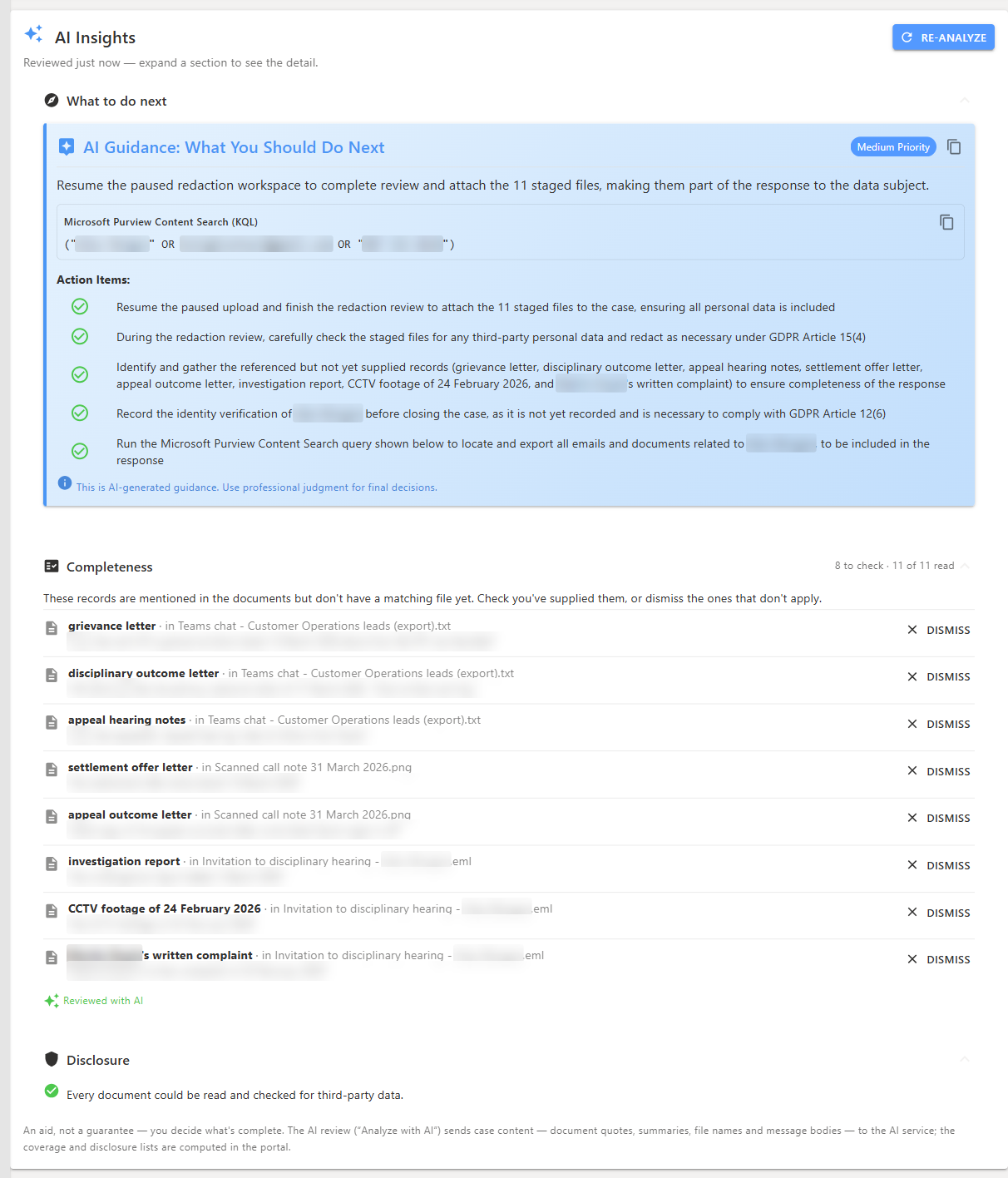
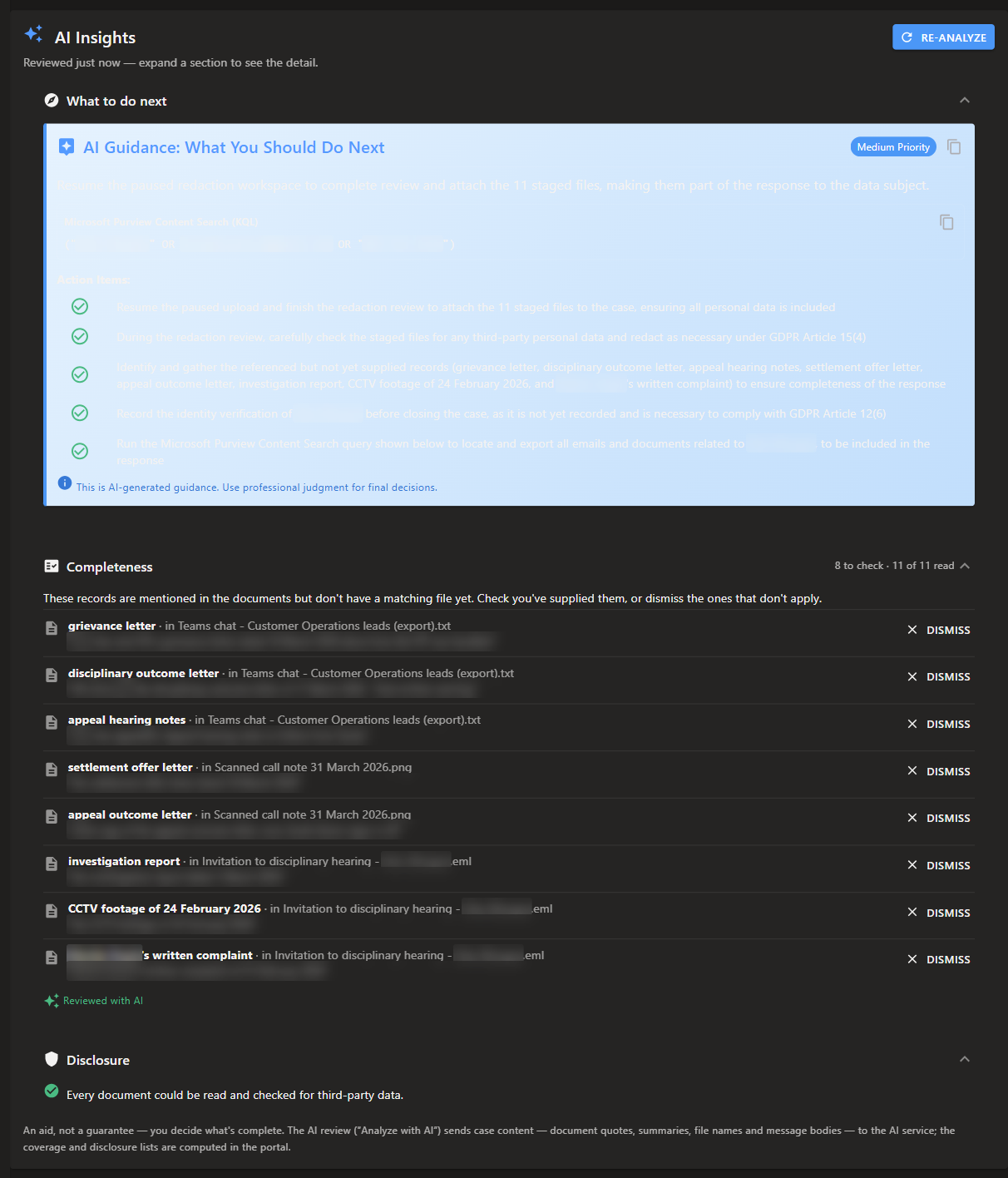
Completeness: records your documents mention
A list of records that are referred to but have no matching file on the case. Each one shows the document it was found in and the quoted text, so you can check it in seconds. If a record does not apply, dismiss it, and it stays hidden when you run the review again.
Disclosure: documents nobody could check
Article 15(4) says your copy must not adversely affect other people. This list shows the documents that could not be checked for other people’s data, grouped by reason, so you can review them by hand. It never says a document is safe to disclose.
What to do next
A prioritised checklist for this case: the identity check, the request itself, the redaction review, records still to gather, and the Article 15(1) information your reply must include. If you use Microsoft Purview, it can also give you a ready-to-run search query.
What it does not do
We would rather you knew this before you rely on it:
- It does not decide for you. Every item is a prompt for your team. As the card says: “An aid, not a guarantee — you decide what’s complete.”
- It does not search your systems. It reads what is on the case. A record nobody mentions will not appear.
- It is not legal advice. Use your own judgement or your adviser’s on anything difficult.
Available on every plan
The AI review is included on all plans, including the free trial. It does not use your page allowance.
Start a free trial, or read the AI Insights guide for the detail.
Related reading
- Is your DSAR response complete? How to find the records your documents point to
- Employee DSARs: the records HR most often misses
- AI-powered redaction
Questions
What does the AI review check?
It lists records your documents mention that have no matching file on the case, such as an investigation report or a set of meeting notes, with the document and the quote where each was found. It also lists documents that could not be checked for other people's data, and suggests next steps for the case.
Does it search our systems for the missing records?
No. It reads the documents already on the case. It tells you what they refer to, and your team decides whether the record exists and finds it.
Can it guarantee that our response is complete?
No. It only knows what your documents mention, so a record nobody refers to will not appear. It is an aid to your own review, and you decide what is complete.
Which plans include it?
All plans, including trials. It does not use your page allowance, but it does count towards your plan's overall AI usage limit.
Where is case content sent?
The completeness and disclosure lists are worked out in SAR Portal itself. When you click Analyze with AI, document quotes, summaries, file names and message bodies go to the Azure OpenAI service in the EEA, which does not use them to train models.