Compliance Verification
SAR Portal provides tools to prove your GDPR compliance, especially important when facing disputes or regulatory inquiries.
What is Compliance Verification?
The Compliance Verification feature allows you to search for and retrieve evidence that you properly handled data subject requests, even after cases have been anonymized.
Why You Need This
Common Scenario
A data subject contacts you claiming “You never responded to my request” or “You never deleted my data as I asked.”
Your Response
Using Compliance Verification, you can:
- Search by their email address
- Find matching anonymized records
- Prove the request was handled
- Show the completion evidence
How It Works
Email Hash Matching
When cases are closed and anonymized:
- Personal details are removed
- Email is converted to a secure hash
- The hash allows verification without storing the email
Search Process
- Go to Compliance > Verification
- Enter the data subject’s email address
- Optionally add their name for broader search
- Click Search for Proof
What You’ll Find
For matching records:
- Case type (Access, Erasure, etc.)
- Completion date
- Closure status
- Audit trail entries
- Without revealing personal data
Verification Results
Match Found
If a matching case exists:
- Confirmation that request was handled
- Date of completion
- Type of request
- Final status
No Match Found
If no match exists:
- No record of request from that email
- Could mean: no request made, different email used, or request pending
Using Verification for Disputes
Regulatory Inquiries
When a supervisory authority asks about a specific request:
- Obtain the subject’s email from the inquiry
- Run verification search
- Provide the audit trail evidence
- Demonstrate proper handling
Subject Complaints
When a subject claims you didn’t respond:
- Verify their email address
- Search for matching records
- If found, explain when/how you responded
- If not found, check for pending cases
Legal Proceedings
For legal evidence:
- Audit logs are immutable
- Timestamps are authoritative
- Full action history available
- Evidence suitable for legal use
Audit Trail Integration
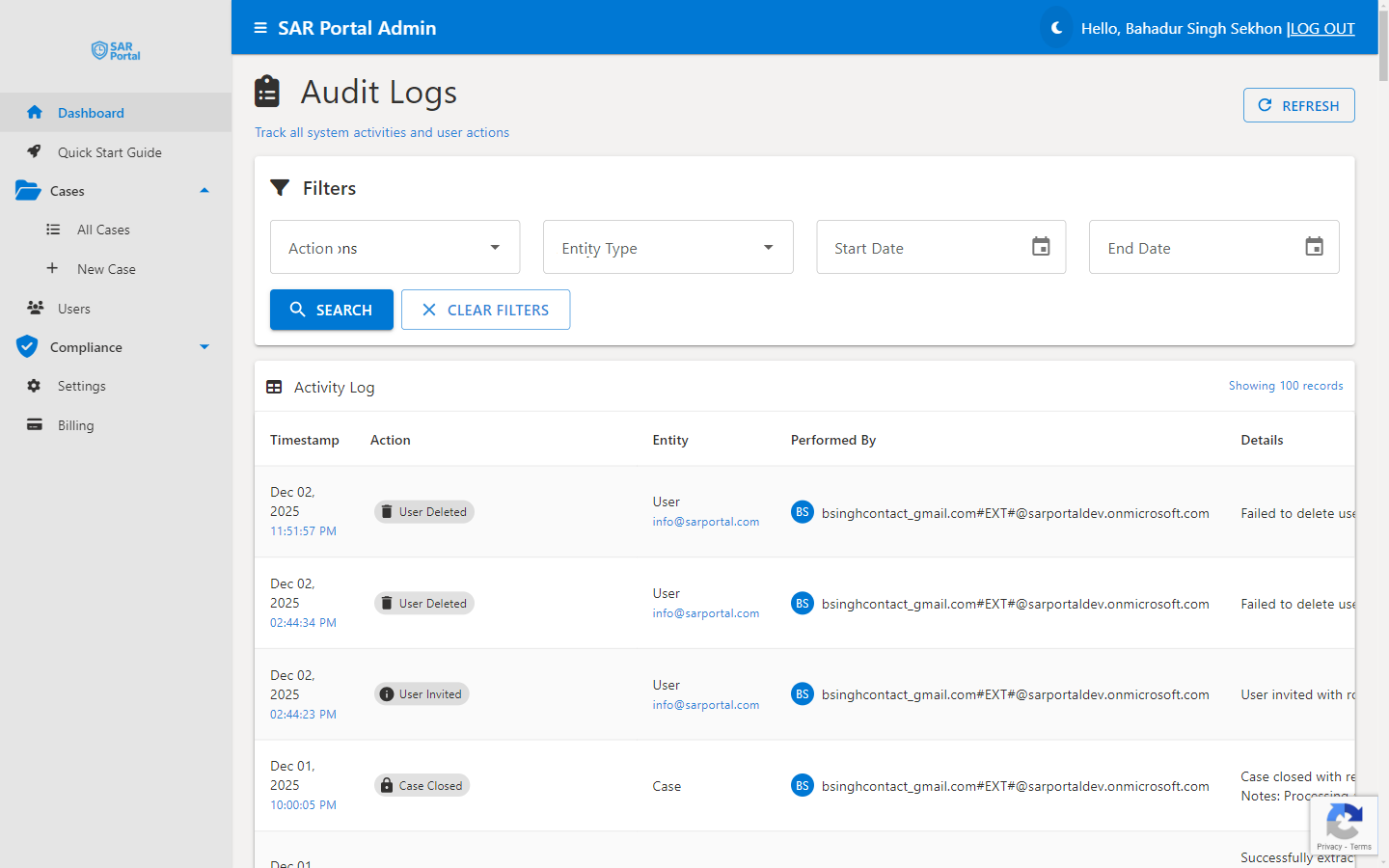
Verification links to detailed audit logs showing:
- Case creation date and method
- All status changes
- Documents processed
- Communications sent
- User actions
- Completion details
Privacy Considerations
What’s Stored
- Hashed email (not reversible)
- Case metadata
- Audit trail
What’s NOT Stored (After Anonymization)
- Subject’s name
- Original email address
- Phone number
- Personal notes
Why This Approach
Balances:
- Your need to prove compliance
- Subject’s right to erasure
- Legal requirement to maintain records
Best Practices
During Case Handling
- Document all actions thoroughly
- Use the timeline feature
- Record communication details
- Note verification methods used
For Record Keeping
- Cases anonymized after closure
- Audit logs retained per policy
- Hash enables future verification
- No personal data retained
For Disputes
- Respond promptly to inquiries
- Provide audit evidence
- Explain the hash verification process
- Offer to demonstrate the system
Compliance Reports
Generate reports showing:
- Cases handled in a period
- Response time statistics
- Completion rates
- Types of requests
Use for:
- Internal compliance reviews
- Board reporting
- Regulatory submissions
- Continuous improvement
Related Features
- Audit Logs - Detailed activity tracking
- Data Retention - How long records are kept
- GDPR Articles - Legal reference guide