Portal Overview
The Public Portal is where data subjects submit GDPR requests directly to your organization. It provides a professional, secure, and compliant way to receive DSARs.
What is the Public Portal?
The Public Portal is a dedicated web page where anyone can submit a data subject request to your organization. Each organization gets a unique portal URL.
Key Features
- Branded Experience - Your company name displayed prominently
- Secure Verification - Email-based OTP verification
- GDPR Compliant - Proper disclosures and consent
- Mobile Friendly - Works on all devices
- Automatic Case Creation - Requests become cases instantly
How It Works
For Data Subjects
- Visit Your Portal - Navigate to your portal URL
- Enter Email - Provide their email address
- Verify Identity - Receive and enter verification code
- Submit Request - Select request type and provide details
- Confirmation - Receive confirmation of submission
For Your Organization
- Notification - Receive email when new request arrives
- Case Created - Request automatically becomes a case
- Verified Subject - Email already verified through OTP
- Process Normally - Handle like any other case
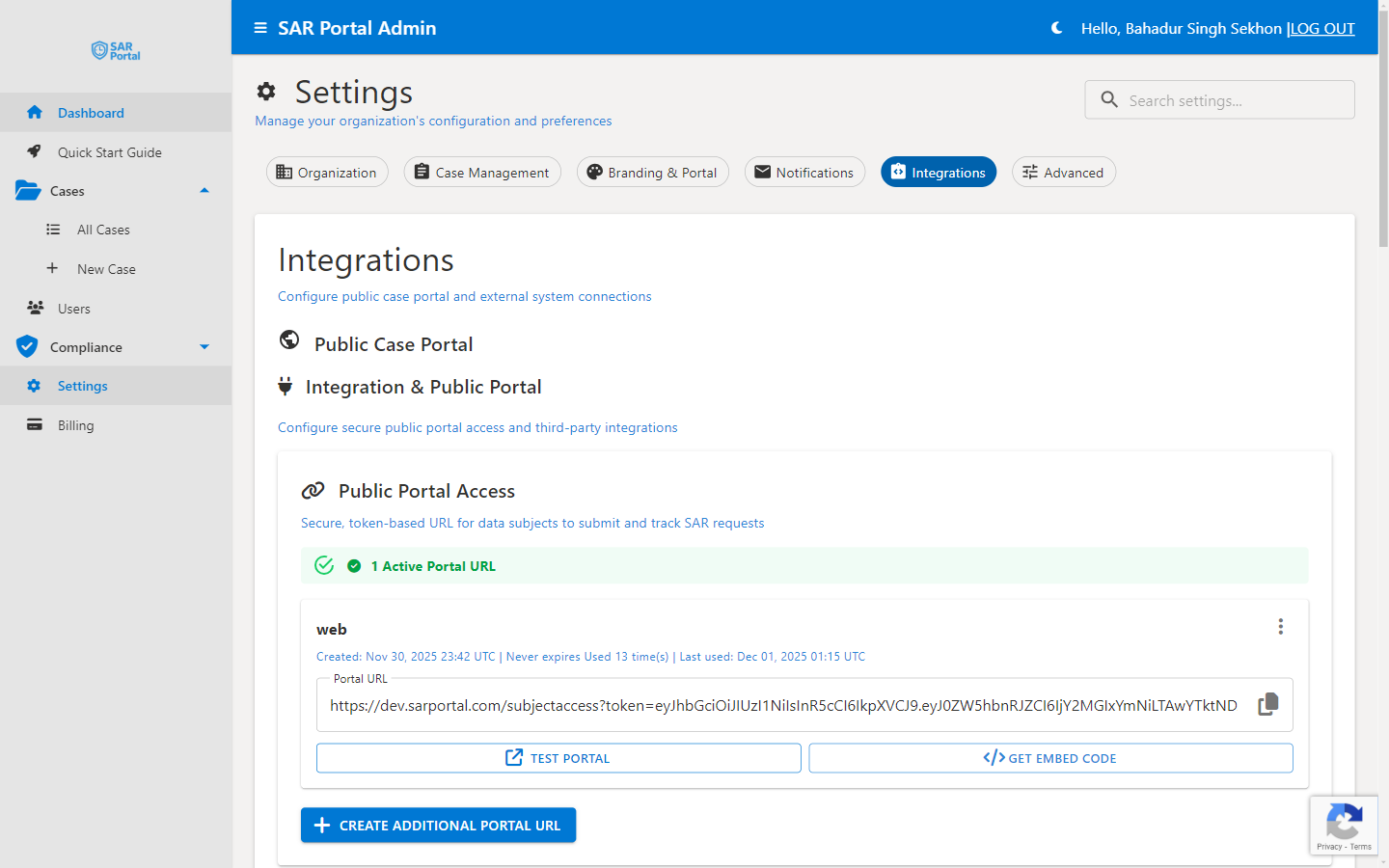
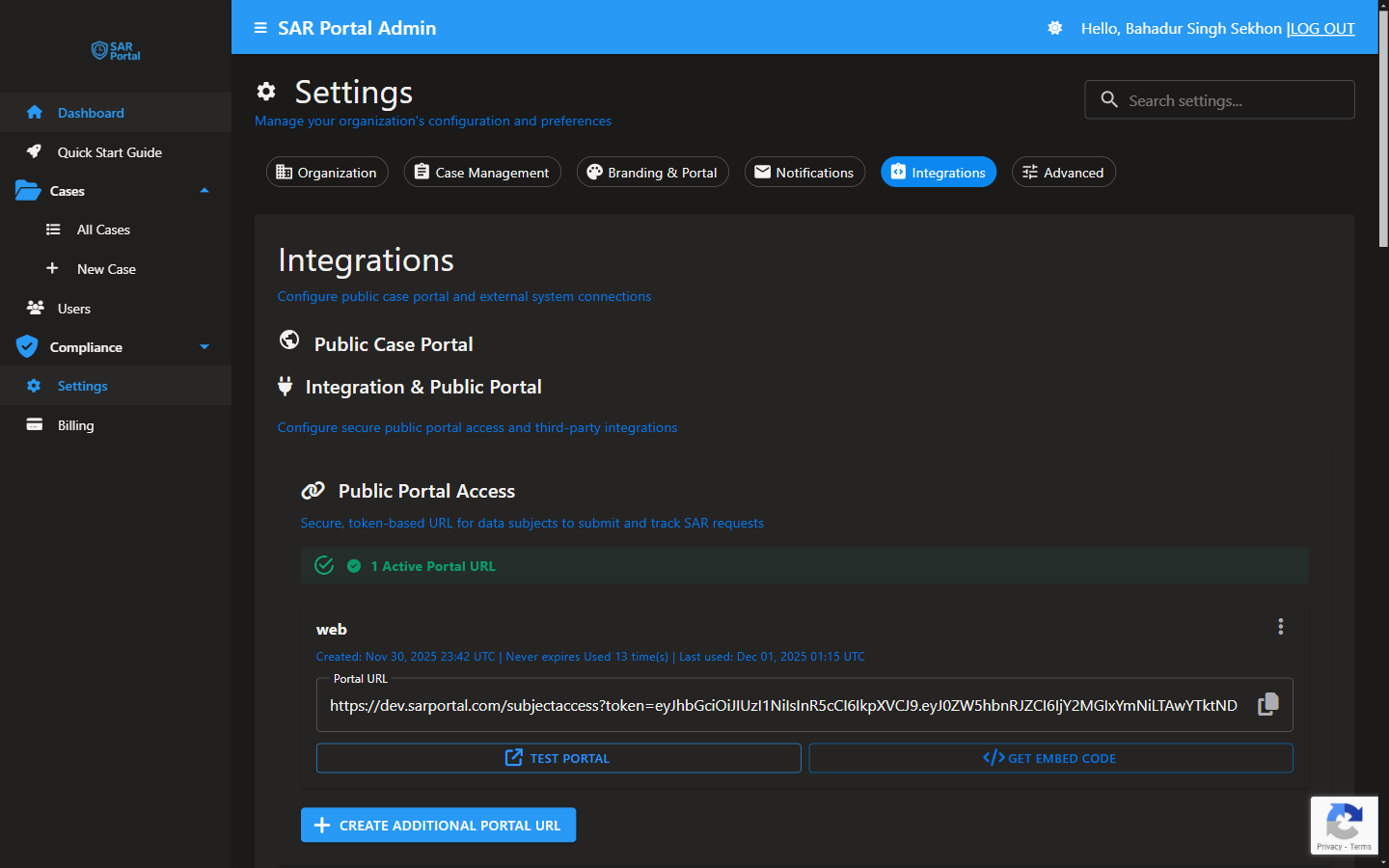
Portal URL
Your portal URL format:
https://app.sarportal.com/public/submit/{your-tenant-id}
Find your URL in Settings > Integrations.
Portal Elements
Header
- Your company name
- “Subject Access Request Portal” label
- Professional appearance
Request Form
- Email input field
- Privacy notice and consent checkbox
- Send verification code button
Footer
- Your organization’s copyright
- Contact email
- GDPR Article 28 compliance notice
- Data processor disclosure
Compliance Features
GDPR Article 28 Notice
The portal displays a clear notice that:
- SAR Portal is the data processor
- Your organization is the data controller
- Processing is under your instructions
Privacy Notice Link
Configurable link to your privacy policy.
Consent Checkbox
Data subjects must acknowledge:
- They’ve read the privacy notice
- They consent to processing for the DSAR purpose
Data Processor Disclosure
Transparent statement about how the request is processed.
Email Verification
Why Verification?
- Confirms the subject controls the email
- Prevents fraudulent requests
- Creates audit trail
- Required before accessing sensitive data
Verification Flow
- Subject enters email address
- System sends OTP (one-time password)
- Subject enters the code
- Email is marked as verified
- Request can proceed
Code Details
- 6-digit numeric code
- Valid for limited time
- Rate-limited to prevent abuse
Request Types Available
Data subjects can select from:
- Access Request (Article 15)
- Erasure Request (Article 17)
- Rectification Request (Article 16)
- Objection (Article 21)
- Restriction (Article 18)
- Portability (Article 20)
- Automated Decision (Article 22)
- Other
Adding Portal to Your Website
Privacy Policy Link
Add to your privacy policy:
To exercise your data rights, visit our
<a href="https://app.sarportal.com/public/submit/YOUR-ID">
  Subject Access Request Portal
</a>
Dedicated Page
Create a page on your website:
<h1>Submit a Data Request</h1>
<p>Use our secure portal to submit GDPR requests.</p>
<a href="https://app.sarportal.com/public/submit/YOUR-ID"
   class="button">
  Submit Request
</a>
Direct Link
Simply share the URL via email or other channels.
Benefits of Using the Portal
For Your Organization
- Automated case creation
- Pre-verified email addresses
- Structured data collection
- Reduced manual data entry
- Complete audit trail
For Data Subjects
- Easy, guided process
- Professional experience
- Immediate confirmation
- Clear expectations
- Secure communication
Portal vs Manual Requests
| Aspect | Portal | Manual (Email/Letter) |
|---|---|---|
| Case Creation | Automatic | Manual entry required |
| Email Verification | Built-in | You must verify |
| Audit Trail | Complete | Must document yourself |
| Data Collection | Structured | Variable format |
| Processing Speed | Faster | Requires more steps |
Next Steps
- Customize your portal - Add branding
- Embed on your site - Integration options